User Management
The User Management page (menu Administration → User Management) is only visible to users with the Administrator role. It is used to create, modify and delete the accounts that can log in to the ALC Palletizing Software.
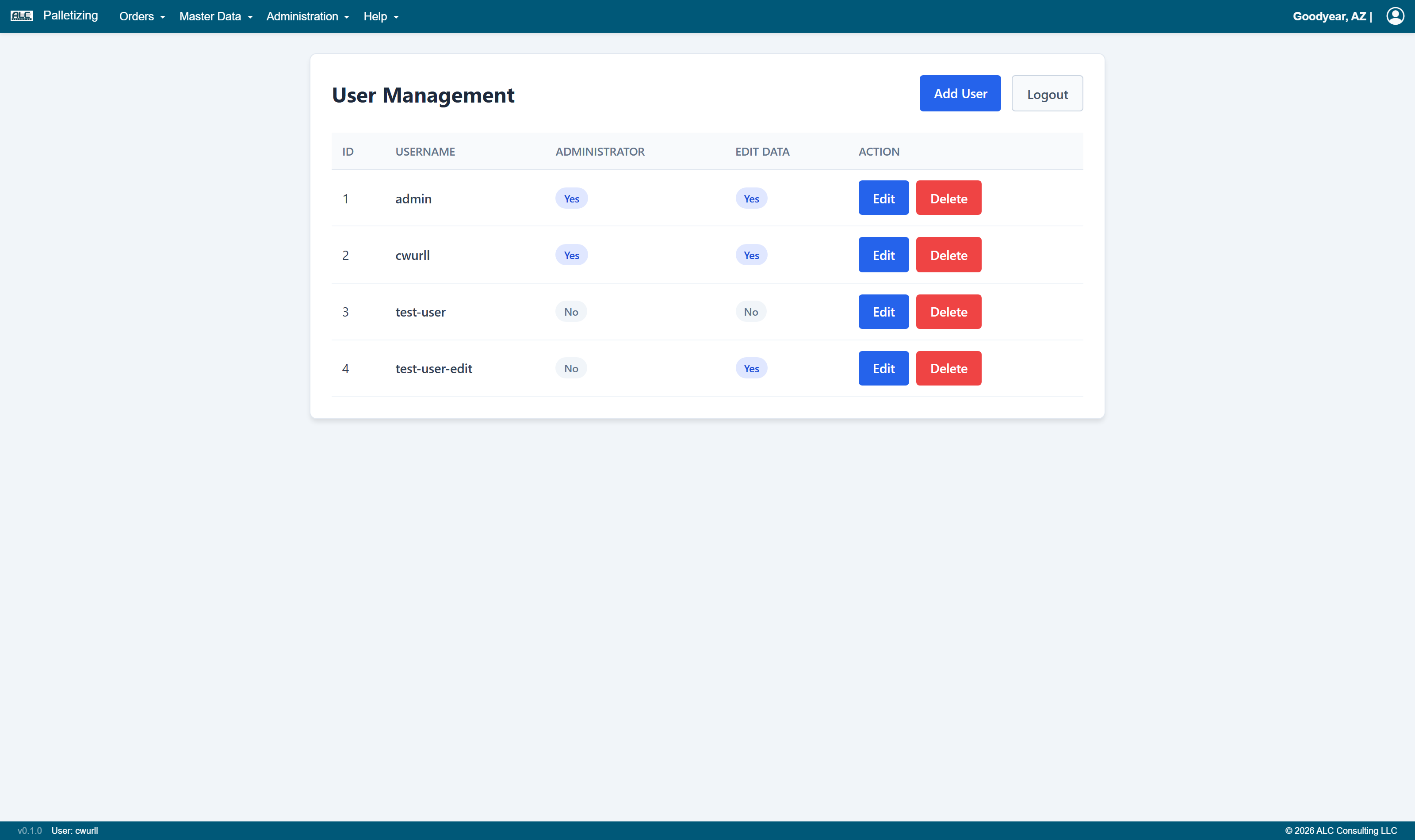
User Table
| Column | Description |
|---|---|
| ID | Unique user identifier |
| Username | Login name of the user |
| Administrator | Yes / No — administrators may manage users and see the User Management page |
| Edit Data | Yes / No — users with this permission may create, change, import and delete data |
| Action | Edit opens the user for modification, Delete removes the account |
Roles
| Role | Permissions |
|---|---|
| Administrator | Full access, including user management |
| Data Editor | May use all data changing functions (Add, Edit, Delete, Import, Calculate) |
| Read-only | May view all pages; all data changing controls are shown greyed out and disabled |
The roles of the currently signed-in user are displayed in the user menu (person icon on the right of the menu bar).
Add User
Add User opens a form for the login name, the password and the two permission flags (Administrator, Edit Data). The Logout button next to it signs the current user out.
Edit / Delete User
Edit opens the same form with the existing values pre-filled; the password can be reset here. Delete permanently removes the account.
Note: Make sure at least one account with the Administrator permission always remains — otherwise the User Management page can no longer be reached.