Database
The Database page (menu Administration → Database) contains maintenance functions for the application database.
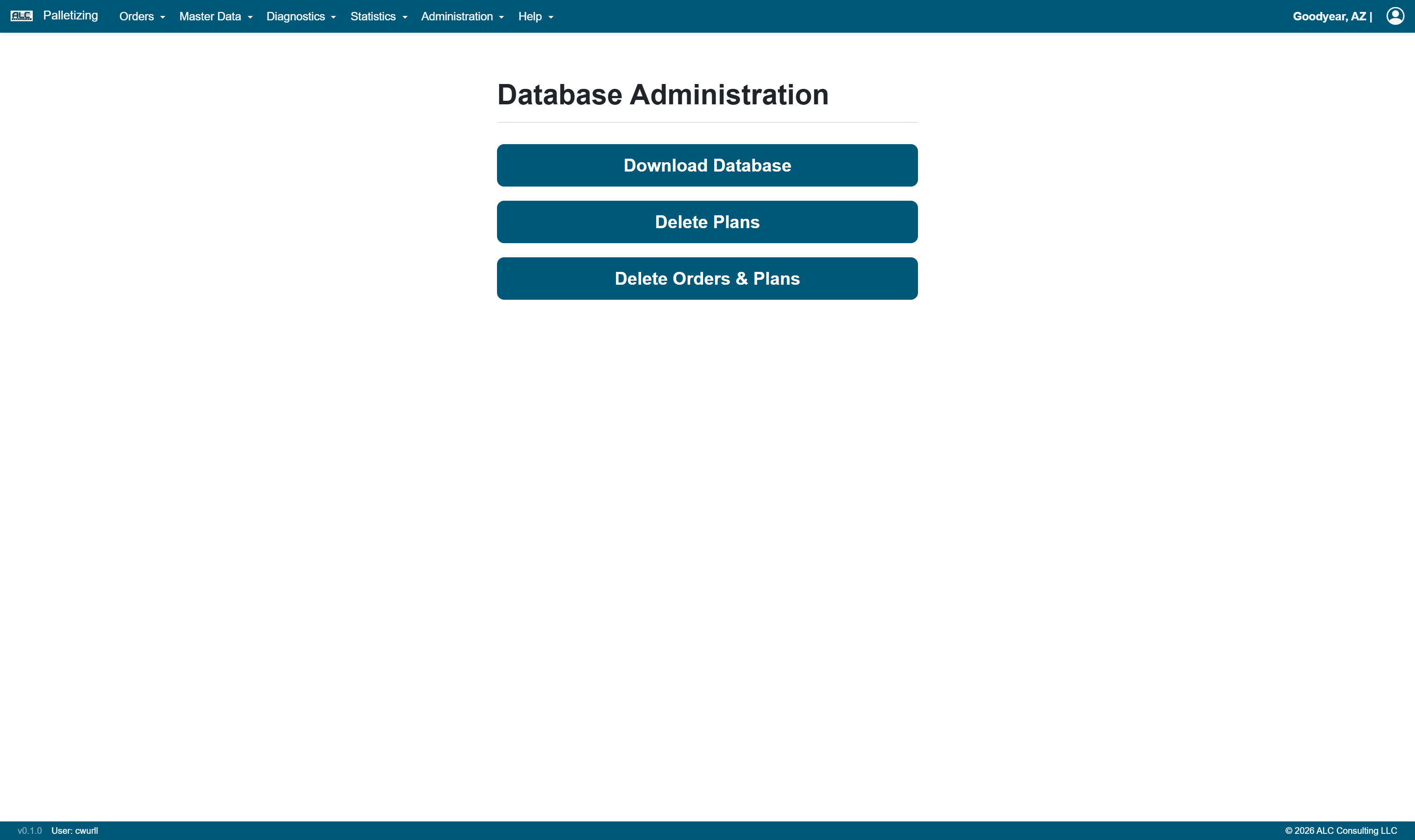
Actions
| Button | Description |
|---|---|
| Download Database | Exports the complete database as an SQLite file and offers it as download (database_export_<date>_<time>.db) |
| Delete Plans | Deletes all calculated palletizing plans. The orders themselves are kept and can be recalculated |
| Delete Orders & Plans | Deletes all orders, multi-orders, pallets of external providers and all calculated palletizing plans |
Both delete functions have to be confirmed in a dialog. The result is reported as a message at the top of the page.
Caution: Delete Orders & Plans removes the complete order data irrevocably. Master data (articles, package types, pallet types, layer patterns, pick zones, stacking matrix) is not affected by either of the two functions.
Note: The export runs in the background so that the application remains responsive. With large databases it may take a moment until the download starts.